Tutorials
PNGTuber vs 2D vs 3D VTuber: Which Setup Fits Your First Stream?
Compare PNGTuber, 2D Live2D, and 3D VRM setups by cost, asset preparation, tracking, hardware load, and OBS workflow before your first stream.
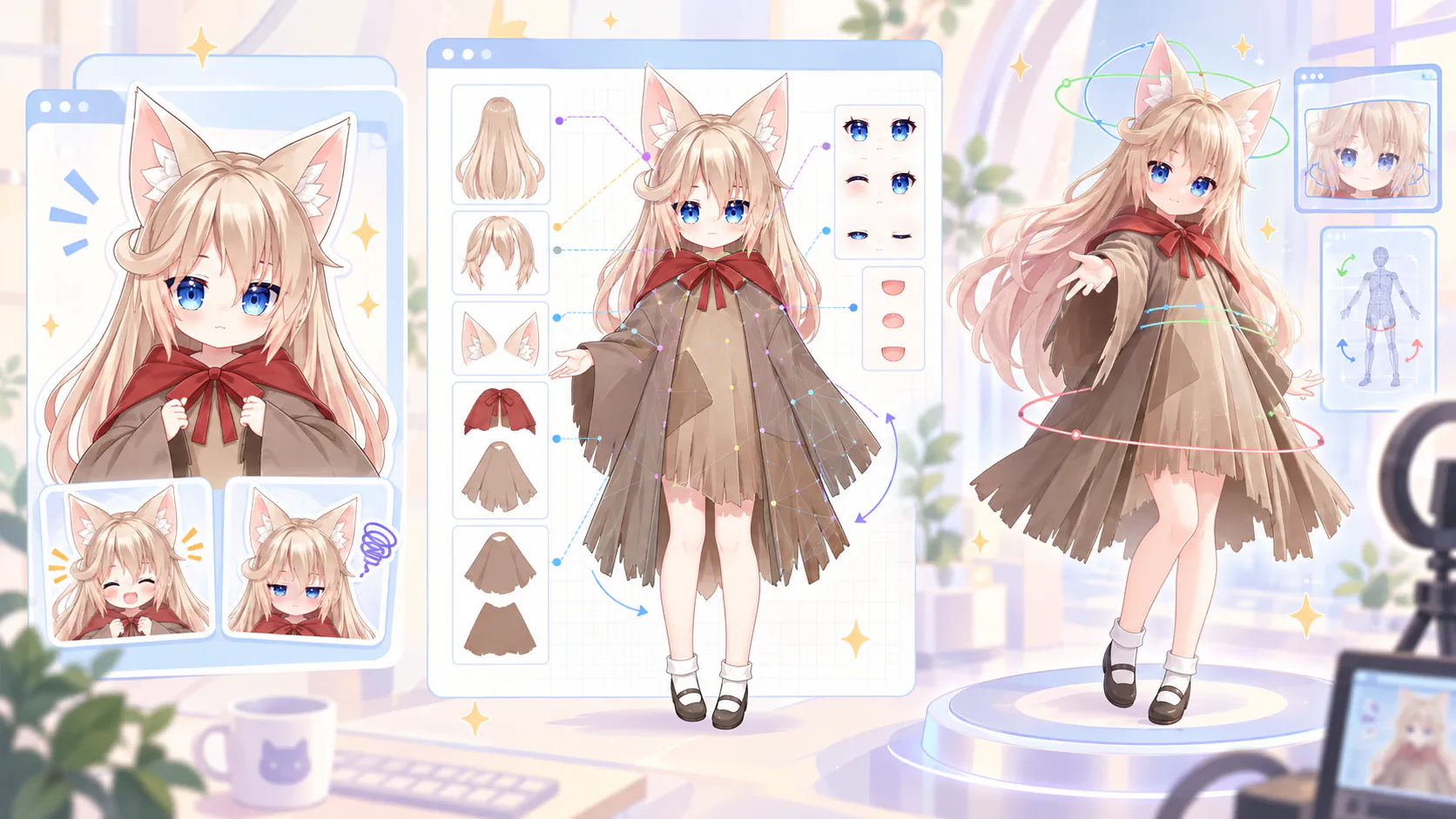
PNGTuber vs VTuber: the terms are not opposites
A PNGTuber is a VTuber whose on-screen character is built from a small set of reactive images instead of a continuously tracked 2D or 3D model. The distinction is about how the avatar moves—not whether the creator counts as a VTuber.
That makes a PNGTuber setup a valid starting point, not a lesser version of the medium. A simple avatar can be enough to test a channel idea, learn live production, and discover whether you enjoy streaming before investing in custom art or rigging.
For a first stream, the three most common choices are:
- PNGTuber: best when you want the quickest setup, the lowest hardware load, and no camera requirement;
- 2D Live2D: best when preserving a hand-drawn look and expressive facial performance matters most;
- 3D VRM: best when you want a model that exists in 3D space, supports different viewing angles, and can move between compatible avatar applications.
Virmii belongs to the third category. It generates and manages 3D VRM avatars, provides browser-based camera tracking, and creates a private transparent stage for OBS. It does not create PNGTuber state images or Live2D models.
How the three avatar types work
Each format starts from different source material and responds to a different kind of input.
PNGTuber: switch between prepared image states
A basic PNGTuber usually has at least two character images: one for silence and one for speaking. The avatar application watches the microphone level and switches images when the voice crosses a configured threshold. Additional states can represent blinking, laughter, anger, or reactions triggered by hotkeys.
No facial-tracking camera is required. Because the application is displaying a small number of images rather than deforming a mesh or rendering a 3D scene, the setup is usually light on system resources. It still uses some CPU, memory, and graphics resources, so “lightweight” is more accurate than “zero impact.”
2D Live2D: deform layered artwork continuously
A Live2D model begins as a layered illustration. Eyes, eyelids, mouth parts, hair sections, face, clothing, and other moving elements are separated in a PSD. A rigger imports those layers into Live2D Cubism, creates meshes and deformers, and connects them to parameters for head angles, blinking, gaze, mouth movement, expressions, and physics.
A compatible tracking application translates webcam or supported mobile-device input into those parameters. The result can preserve the charm of the original drawing while producing smooth movement, but the possible angles and expressions depend on what the artist and rigger prepared.
3D VRM: move a rigged model in three dimensions
A 3D avatar uses polygon meshes, textures, materials, a humanoid skeleton, skin weights, and optional facial expressions and spring-bone physics. VRM adds avatar-specific conventions to glTF so compatible applications can identify the humanoid bones, model metadata, and expression bindings.
The model can be rotated and lit in three-dimensional space. Tracking may range from a normal webcam driving head pose and supported facial controls to a larger motion-capture setup with additional body trackers. Full-body hardware is optional, not a requirement for using a 3D VTuber model.
PNGTuber vs Live2D vs VRM comparison
| Area | PNGTuber | 2D Live2D | 3D VRM |
|---|---|---|---|
| Starting assets | Usually 2–4 static or animated image states | Layered PSD plus Live2D rigging | Textured 3D mesh, humanoid rig, and optional expressions |
| Primary input | Microphone level and optional hotkeys | Webcam or supported mobile face tracking | Webcam, browser or desktop tracking, and optional body hardware |
| Movement | Discrete image changes | Continuous 2D deformation | Bone movement and expression deformation in 3D |
| Camera required | No | Usually | Usually for face tracking, but not for static preview |
| Typical hardware load | Low | Moderate | Variable; depends on mesh, textures, physics, renderer, and tracking |
| Viewing angles | Fixed to the prepared images | Limited to rigged 2D angles | Flexible 3D camera angles |
| Main production work | Drawing states and tuning the audio gate | Layer separation, art cleanup, parameter rigging, and physics | Modeling or generation, texturing, humanoid rigging, and expressions |
| Virmii support | Not supported | Not supported | Generated VRM and compatible custom VRM uploads |
These are general tendencies rather than performance guarantees. A complex animated PNG scene can use more resources than expected, while an optimized VRM can run comfortably on modest hardware. Test the complete stream scene on the computer you will actually use.
The 3D column describes the wider VRM ecosystem. Virmii's current Tracking Studio uses camera-based head and supported facial tracking; it does not track hands or full-body poses or accept external body trackers. Using an exported VRM in another application depends on that application's format, rig, expression, and performance requirements.
What each setup costs
The largest cost is usually the asset, not the tracking application. Prices vary with the artist, design complexity, usage rights, source-file delivery, expression count, and number of revisions, so fixed ranges can become misleading quickly.
PNGTuber costs
A PNGTuber can be nearly free if you draw the states yourself and use free reactive-image software. A commissioned package costs more when it includes custom character design, multiple expressions, animation, commercial rights, or editable source files.
This route is easy to expand gradually. You can begin with silent and speaking states, then add blinks, emotions, outfits, or scene-specific reactions after the channel has found its rhythm.
Live2D costs
A custom Live2D model often contains two separate bodies of work: the layered illustration and the rig. Some creators provide both, while others ask you to hire an illustrator and rigger separately. Higher prices commonly reflect more detailed layer separation, wider head and body movement, richer physics, additional expressions, and more revision time.
Tracking can work with a normal webcam. Some creators choose a supported iOS device for more detailed face data, but that is an optional hardware decision rather than a universal requirement.
3D costs
The 3D range includes customizable base avatars, self-made Blender models, generated drafts, and fully bespoke studio commissions. Custom geometry, textures, blendshapes, clothing, hair physics, and full-body testing all add production time.
If you are budgeting for custom work, read the VTuber model commission cost guide. It explains deliverables, commercial rights, revision terms, payment milestones, and the difference between receiving a runtime model and receiving editable source files.
Match the avatar to your first-stream goal
The best first avatar is the one that lets you publish consistently without consuming the time or budget needed for the content itself.
Choose a PNGTuber when you are testing the idea
A reactive image setup is a strong fit when you:
- want to stream as soon as possible;
- do not want to use a camera;
- have limited CPU or GPU headroom while gaming;
- are still testing your name, format, schedule, or character concept;
- prefer a small art commission before funding a complete rig.
The main limitation is performance range. Viewers see a set of prepared states rather than continuous head, eye, and mouth motion. Good art, voice performance, timing, and scene design can still make the character memorable.
Choose Live2D when the illustration is the identity
Live2D is a good fit when you:
- want the final model to retain a specific artist's linework and rendering;
- care about nuanced face movement within a designed 2D range;
- can prepare or commission correctly separated artwork;
- are comfortable testing and tuning a dedicated tracking application;
- have the time and budget for both art and rigging.
Ask to see moving examples from a rigger's portfolio. A beautiful still image does not show how the face turns, how the mouth behaves, or whether hair and clothing physics support the performance.
Choose 3D VRM when you need spatial flexibility
A 3D setup is a good fit when you:
- want to rotate the avatar or change camera angles;
- plan to use compatible 3D scenes, games, or applications;
- value a standardized avatar file you can download and keep;
- want a browser-based route from camera tracking to OBS;
- may add body-tracking hardware later, without requiring it for the first stream.
For a manual 3D workflow, VRoid Studio provides an approachable anime-style character builder, while Blender offers deeper control over custom geometry, textures, weights, and expressions.
Where Virmii fits in the 3D workflow
Virmii offers a shorter path to a testable 3D avatar. Choose From image to upload one authorized PNG, JPEG, or WebP character image, or From text to generate from a written description without a reference image. Image mode accepts one image, rather than a collection of turnaround views.
For the best chance of a readable result, use a mostly forward-facing full-body or half-body character with a clear silhouette. Keep the head, hair, clothing, hands, and feet visible where possible, and avoid extreme poses, hidden limbs, overlapping props, text, and watermarks. The file must be 10 MB or smaller, at least 256 × 256 pixels, and no more than 40 megapixels.
Virmii sends the image through an asynchronous model-generation and rigging pipeline, then checks the humanoid mapping, processes available facial data, prepares metadata, and builds the VRM. The result is generated from one visible view, so geometry and textures on hidden sides must be inferred. It is not a promise of hand-authored topology or an exact reconstruction of every design detail.
Virmii supports AI expression generation for models created in Virmii. Open the completed model and select Generate expressions to create 13 images for blinking, smiling, and mouth movement, then test them with camera tracking. This artwork works in Virmii previews, Live Studio, and the OBS stage without requiring facial shape keys. Uploaded VRMs use their existing expression bindings; downloaded VRMs do not include the generated artwork. See the AI expression generation guide.
AI expression generation costs 20 credits per set without a subscription. Creator and Pro use included monthly generations first; additional sets cost 20 credits. The initial charge is kept if generation fails. Each model version allows up to 2 free retries for missing or failed images, without using more credits, included generations, or model retry attempts. See pricing for the current monthly allowances.
Virmii can also store compatible custom VRM 0.x or VRM 1.0 models. A custom upload must be one .vrm file no larger than 30 MB. Virmii verifies that the glTF container includes a recognized VRM extension, but it does not convert a generic GLB into VRM or repair every rigging problem automatically.
For the complete creation process, see how to make a VTuber model and the hands-on guide to create a 3D VTuber from one image.
Preserve the character when upgrading formats
Moving from a PNGTuber to Live2D or VRM is usually a rebuild around the same design, not a one-click conversion.
A flat PNG cannot become a finished Live2D model by changing its file extension. The movable parts must be separated or redrawn on individual layers before rigging. Virmii can use a flat character image as the reference for a new 3D model, but it must infer depth and unseen surfaces; this is also not a lossless conversion of the original artwork.
Create a small identity guide before commissioning or generating the next version:
- record the main colors with consistent values;
- document the silhouette, hair tufts, ears, horns, hats, and signature accessories;
- preserve recognizable eye highlights, mouth shapes, and expression style;
- provide close-ups for details that disappear at stream resolution;
- write down which parts may be simplified and which must not change.
A VTuber reference sheet helps different artists and tools work from the same design language. For Virmii generation, export one clean primary character view from that sheet instead of placing several views in a single crowded image.
Tracking and privacy differences
The three formats do not use the same sensor pipeline.
A PNGTuber application usually needs microphone access because the audio level controls the speaking state. Review its audio settings so background noise, keyboard sounds, or game audio do not trigger the avatar accidentally.
Live2D tracking applications normally need camera data, unless you are driving parameters manually. Their privacy and network behavior depend on the specific application, so review its documentation and permissions.
Virmii's current VRM tracking flow uses a camera and requests no microphone audio. In a current desktop version of Chrome or Edge, raw camera frames are processed locally in the browser by default with MediaPipe. Virmii derives movement values and sends compact tracking data to the private live stage when needed; it does not send raw camera video to the Virmii backend or to OBS.
Camera-based mouth tracking needs a visible mouth and clear lighting. For a Virmii-generated model, generate its expression images on the model page before testing. For an uploaded VRM, check that the file contains compatible mouth bindings. Calibration adjusts tracking; expression generation or model editing supplies the expressions.
Put each avatar type into OBS
All three approaches can appear in OBS, but the capture method depends on the application producing the avatar.
- A PNGTuber application may provide a transparent window, virtual camera, or browser overlay.
- A Live2D tracking application may provide transparent capture, a virtual camera, or another application-specific output.
- Virmii creates a private live-stage URL for an OBS Browser Source.
For Virmii, paste the private URL into a Browser Source and set its size to match the scene canvas, such as 1920 × 1080. The stage already renders with a transparent background, so a green screen and chroma-key filter are normally unnecessary. Keep the Tracking Studio open while streaming so it can continue sending motion data over WebRTC.
Treat the Virmii stage URL like a private credential. Reset or disable it if it is exposed. The Virmii OBS tutorial explains the current interface and connection checks.
First-stream checklist for any avatar type
Test the complete scene before announcing a debut. A model that works by itself may behave differently when the game, browser tabs, alerts, encoder, and chat tools are running together.
- Confirm your rights. Make sure the artwork, model, music, fonts, and scene assets permit streaming and any planned monetization.
- Test the input. Tune the PNGTuber audio threshold, calibrate the Live2D tracker, or check the VRM's head, blink, gaze, and mouth response.
- Record locally. Speak, move, and run the intended game for at least several minutes while OBS records.
- Watch system load. Check encoder performance, dropped frames, browser or tracker usage, and game frame rate.
- Inspect transparency. Look for colored fringes, opaque backgrounds, cropped hair, or accessories extending outside the source bounds.
- Balance audio. Confirm that your voice is clear above the game and that noise suppression does not cut off quiet words.
- Prepare a fallback. Keep a static character image or simple scene ready in case tracking stops during the stream.
- Protect private links. Do not display private stage URLs, stream keys, or account details on screen.
The broader VTuber setup checklist covers microphones, lighting, tracking, scene composition, performance testing, and pre-stream checks in more detail.
Choose the setup you can use consistently
Choose a PNGTuber when speed, simplicity, and low resource use are the priorities. Choose Live2D when hand-drawn identity and carefully authored 2D performance justify the added art and rigging work. Choose 3D VRM when spatial presentation, file portability, or a browser-based Virmii workflow matters more.
You do not need to begin with your forever model. A reactive image can establish the character and channel first. That design can later become a custom Live2D model, a manual VRM, or a Virmii-generated 3D draft. The useful upgrade is the one that supports better content without making it harder to go live.
Frequently asked questions
Are PNGTubers considered real VTubers?
Yes. A PNGTuber uses a virtual character to represent the creator on stream. The main difference is that the character switches between prepared visual states instead of using continuous optical face tracking.
Can I convert a PNG directly into a Live2D model?
No. Live2D rigging requires artwork separated into movable layers. A flat PNG may be used as a design reference, but eyes, mouth parts, hair, clothing, and other elements need to be separated or redrawn before rigging.
Can Virmii turn my PNGTuber image into a 3D avatar?
Virmii can use one supported character image as a reference for 3D generation. The result is a newly inferred 3D model, not an exact conversion of the flat image. Use artwork you are authorized to process and inspect the finished geometry, textures, and tracking level before streaming.
Do 3D VTubers require full-body tracking equipment?
No. A 3D avatar can be used with webcam-based head and facial tracking. Additional body trackers are optional for creators who need limb or full-body motion in compatible software. Virmii's current Tracking Studio does not support those trackers or hand and full-body pose tracking.
Does Virmii use microphone audio for lip sync?
No. Virmii's current tracking flow is camera-based and requests no microphone audio. Mouth movement depends on visible facial motion and compatible expressions in the VRM.
Will a 3D avatar use more resources than a PNGTuber?
Usually, because the computer must render a mesh and calculate tracking rather than switch between a few images. The actual difference depends on model complexity, textures, physics, browser or application overhead, the game, and OBS settings. Test the whole scene on your own hardware instead of relying on a universal performance claim.