Product
How Virmii generates facial expressions with AI
Virmii now supports AI expression generation and binding for generated avatars. Learn how blinking, smiles, and mouth shapes work with camera tracking.
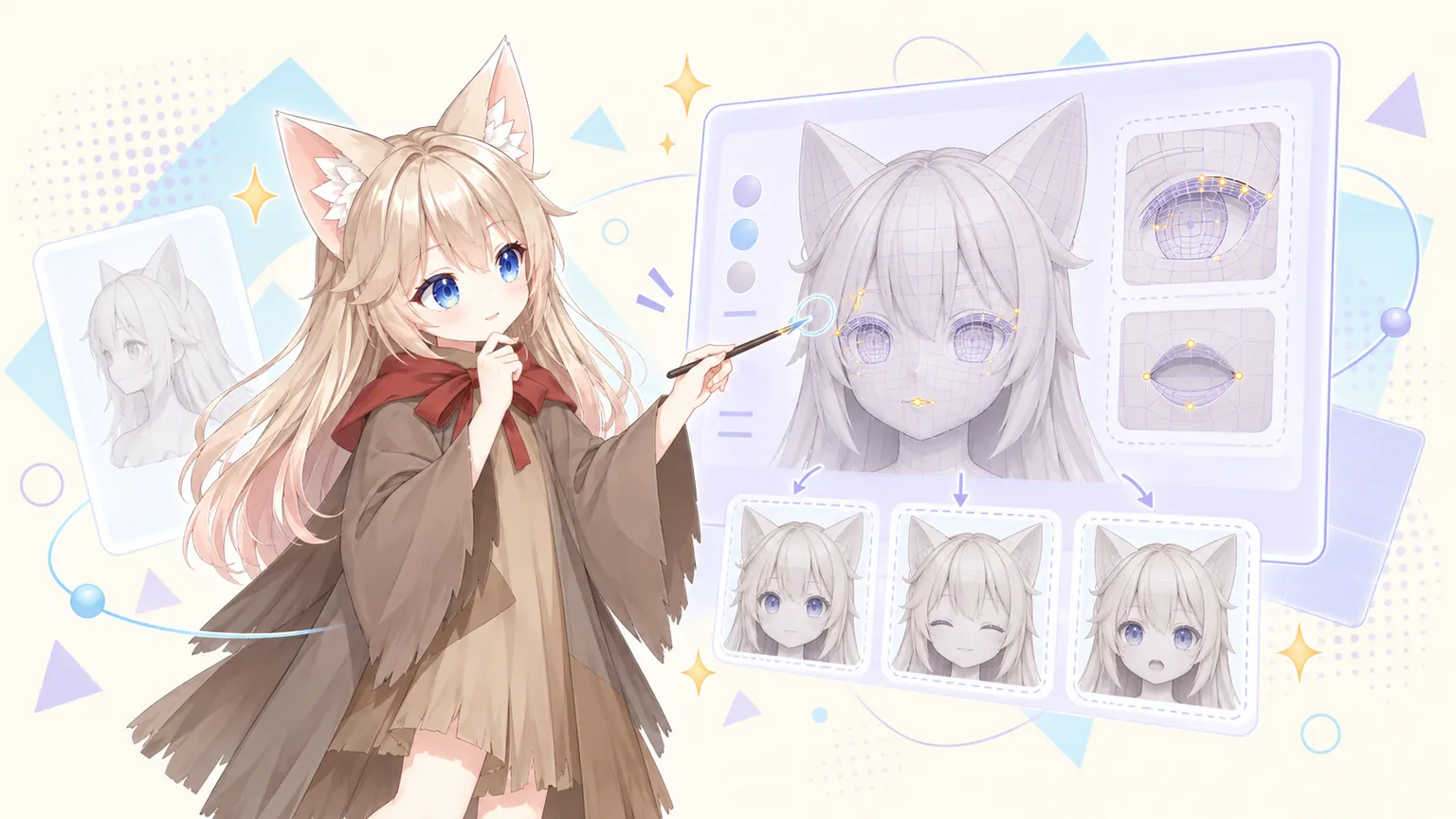
Update — September 20, 2026: Virmii now supports AI expression generation and binding for models generated in Virmii. Open a completed model and select Generate expressions to add blinking, smiles, and mouth shapes for camera tracking. It does not automatically author facial shape keys, and uploaded VRMs still use their existing bindings. Read how we implemented expression binding for the new approach. The article below describes the geometry-based problem that led to it.
AI expression generation costs 20 credits per set without a subscription. Creator and Pro use included monthly generations first; additional sets cost 20 credits. The initial charge is kept if generation fails. Each model version allows up to 2 free retries for missing or failed images, without using more credits, included generations, or model retry attempts. See pricing for the current monthly allowances.
During our earlier experiments with generated models, we encountered a confusing result: an avatar looked right in the preview and had shape key names such as blink and aa, yet its eyes and mouth stayed still during face tracking.
Those early experiments raised a question: how could we turn an AI-generated character into an avatar with working expressions? Virmii now does this by generating expression artwork and binding it to camera tracking.
The missing part may be the actual facial shapes. A shape key can have a name without containing any change to the model. Connecting that key to a tracking signal will not make it blink or open its mouth. Virmii still does not automatically author facial mesh deformations for arbitrary models. For models generated in Virmii, we now provide a different route: AI-generated expression artwork that plays on the face. This article explains why we chose that route.
A shape key name does not make an expression
A shape key stores a different arrangement of a model's vertices. The base face might have open eyes, while a blink shape key stores the positions of the eyelids when they are closed. Changing the key's weight moves the model between those shapes.
But it is also possible to create a key called blink without moving any vertices. That key is identical to the base shape. Setting its weight to 1 changes nothing.
In a shape-key workflow, two separate tasks are involved:
- Creating the expression: editing the model to make the closed eyes, open mouth, or smile.
- Binding the expression: telling a VRM application which shapes to drive when it receives a blink, mouth, or other expression signal.
Binding is useful once the shape exists. If it doesn't, even accurate camera tracking has no closed-eye shape to play.
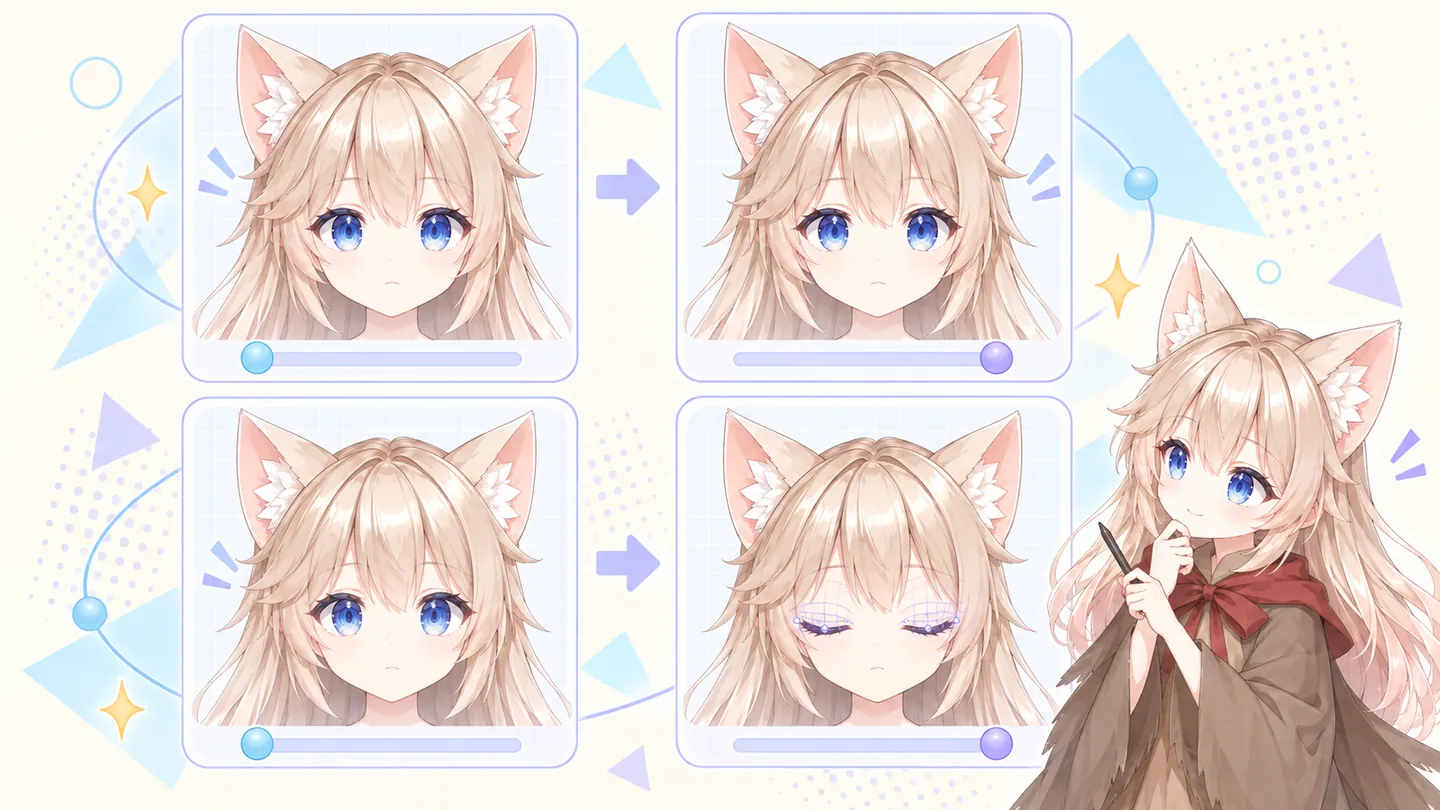
Top: changing an empty key leaves the face unchanged. Bottom: an authored shape key moves the eyelids. Conceptual illustration.
A face can look finished before it is ready to animate
A model that looks convincing in a still image may lack the geometry needed for facial movement.
Its lips might be painted onto a surface with no separate upper and lower lip edges. Its eyes might be part of a texture, with no modeled eyelids. Making that mouth or those eyelids move through mesh deformation requires more modeling work.
Even a face with lips and eyelids needs attention. Do the lids pass through the eyeballs when they close? Is there suitable geometry inside the mouth when it opens? Does smiling create a sharp crease in the cheek?
Renaming shape keys cannot fix these problems. Some models need changes to their mesh before deformable expressions can be made. What matters during a stream is how the face moves, not how many entries appear in its expression list.
Why not copy expressions from a template?
A template with finished blinks and mouth shapes can provide a useful starting point.
If two models differ only in overall size, their scales can usually be aligned. Local proportions are harder. One character may have enormous eyes and a tiny mouth; another may have narrow eyes, fuller lips, and a much longer jaw.
Copying the same vertex movements can leave the eyes partly open or stretch the mouth too far. A transfer process needs to establish which facial regions correspond, then calculate how the target face should deform.
Deformation Transfer for Triangle Meshes studies this problem, including facial expression transfer. The source and target do not need the same vertex count, but they do need meaningful correspondences between their parts. The paper also identifies large differences between shapes as a limitation.
Template transfer can reduce some authoring work. It does not guarantee a natural expression on every face, and it does not automatically build missing eyelids or the inside of a mouth.
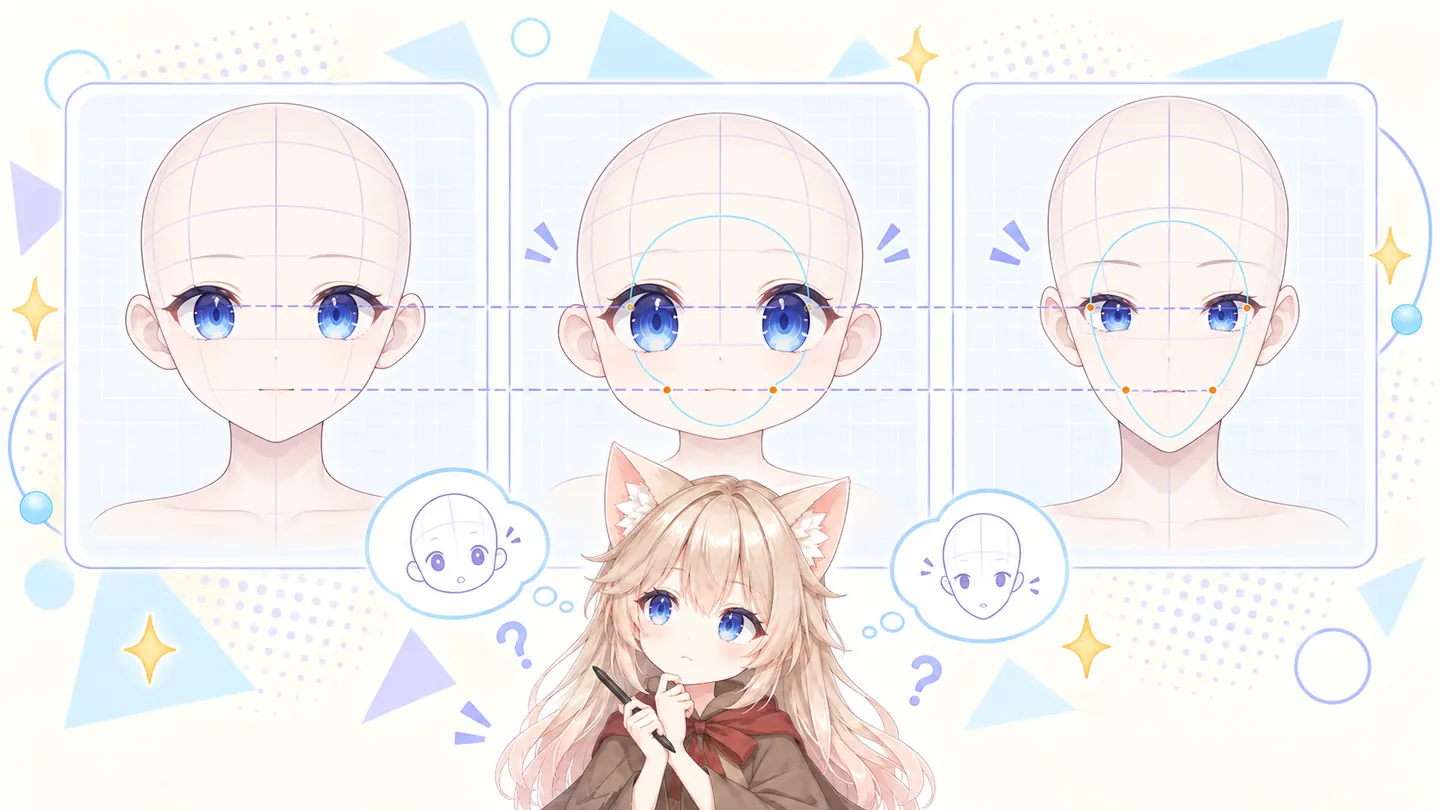
Matching overall size does not make eye, mouth, and jaw proportions match. Conceptual illustration.
An AI agent still needs a result it can verify
An AI agent can call modeling tools, propose edits, inspect renders, and try adjustments. It could help locate facial regions or review the expressions produced by a transfer process.
Connecting those steps does not make the result dependable on every model. A closed-eye preview might look fine while the halfway position folds badly. An open mouth might work on its own but intersect the cheeks when combined with a smile. A different face may need different settings again.
There is also time spent editing, rendering, and checking each attempt. That need for individual manual repair led us to implement the expression-image workflow now available in Virmii.
We don't want an automatic completion message to be the last check before you discover a distorted mouth or eyes that won't close during a stream.
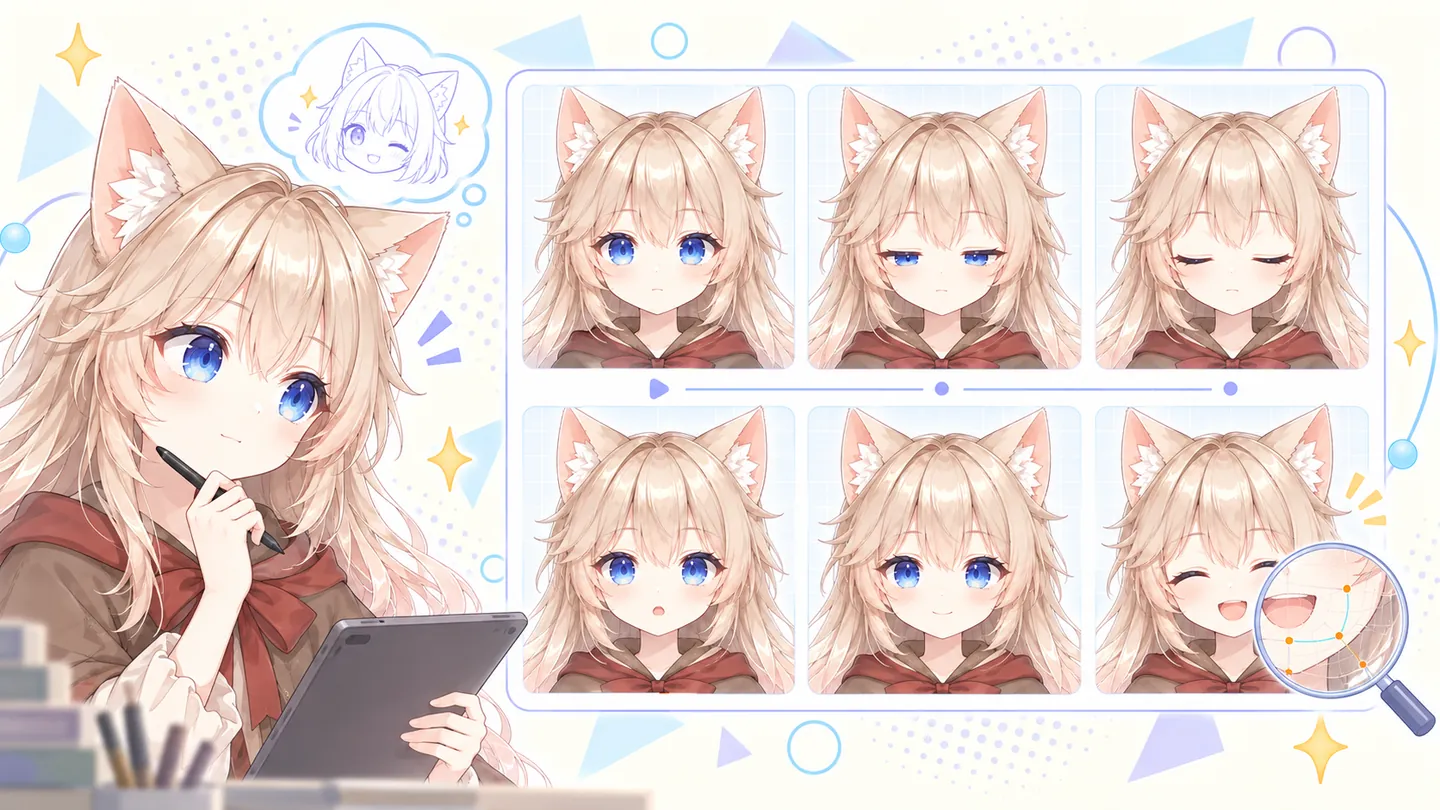
Review the in-between shapes and combined expressions, not just each finished pose. This is an illustration, not a Virmii editing interface.
What Virmii currently does
For models generated in Virmii, expression setup now uses images. Open the completed model and select Generate expressions. Virmii captures a neutral front-facing render, locates the eyes and mouth, and uses Gemini to generate 13 expression images, including half-blinks and smaller mouth poses. Text-generated and image-generated models use the same process.
The viewer projects this artwork onto the face and selects poses from camera tracking. Head and body movement remain enabled. This replaces the generated-model facial Shape Key workflow; it does not add deformable eyelids or a mouth cavity to the mesh.
Images are generated in the background, which may take up to about 24 hours. A failed task can be retried without discarding completed images. Successful images are fixed for that model version, and only missing or failed images are generated again.
Uploaded VRMs follow a separate path. They use the expression bindings already present in the file and are not currently eligible for AI expression generation. Successfully loading a VRM does not establish that it contains usable blink or mouth expressions.
What to do if your model's face does not move
For a Virmii-generated model, check the expression task on its model page. Wait for the 13-image completion badge, or retry the task if it failed. Then enable camera tracking and adjust blink and mouth sensitivity. Follow the AI expression generation guide for the complete process.
For an uploaded VRM, inspect its existing expressions in a compatible editor. If changing a shape key's weight deforms the face correctly but the VRM does not respond, check its expression bindings. If the key is empty or the required facial geometry is missing, the deformation must be authored or repaired by you or a model artist. Virmii does not automatically fill it in during upload.
The new approach has its own limits
Expression artwork needs a clear, recognizable frontal face. Non-humanoid models, obscured features, unusual head proportions, raised lips or eyelids, and large head turns can make detection or alignment difficult. Intermediate images provide stages of movement, rather than continuous mesh deformation. A completed generation task is not a guarantee of visual quality on every character.
The images play inside Virmii's previews, Live Studio, and OBS stage. They are stored separately from the VRM. Downloading the model does not embed the artwork playback or create facial shape keys for other applications.
The distinction matters: we have implemented expression playback for supported generated avatars without solving general-purpose automatic facial rigging. Our engineering follow-up, How we implemented expression binding, explains how the reference capture, image generation, projection, and tracking fit together.