A furry wolf made for adventure.
Meet a blue-and-white furry avatar with oversized ears, a bright scarf and a bushy tail. Explore the wolf’s silhouette in 3D, then move closer to see how an animal face carries a blink, a smile or an open-mouth expression.
No sign-up needed
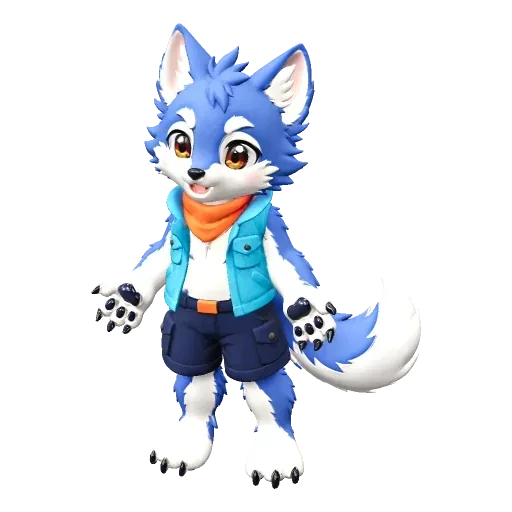
Original reference
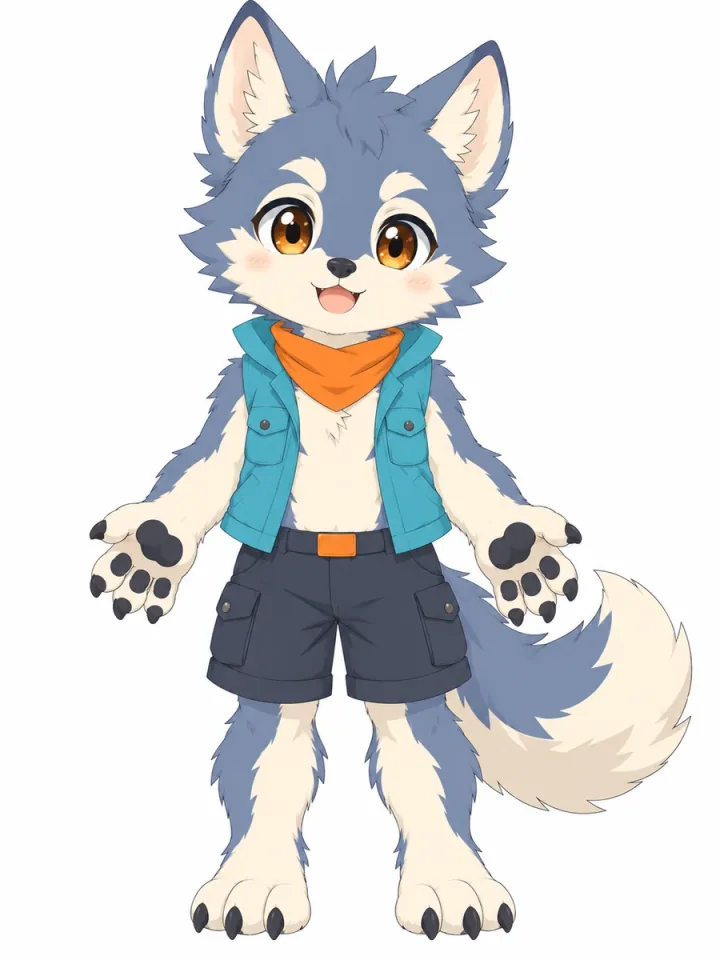
Model capabilities
VRM avatar
Look from every angle
Works in your browser
Give it an expression
Details may change during generation.
From reference to model
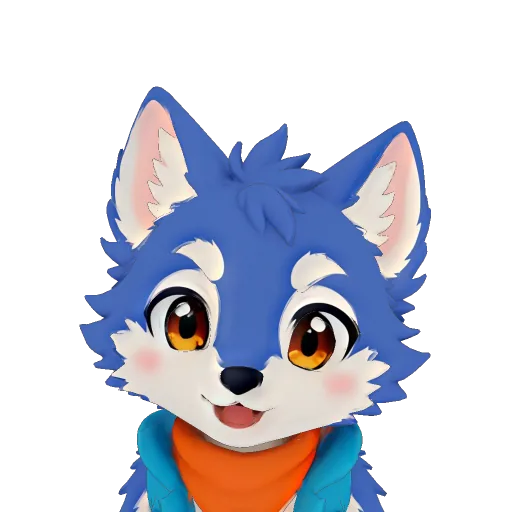
A small adventurer, from ears to paws
Ears, muzzle and silhouette
Turn the wolf to the side to inspect the pointed ears and projecting muzzle. Return to the front to compare the rounded cheeks and eye spacing with the reference. These features make the animal face distinct from the human sample.
A scarf, a vest and a bushy tail
Zoom out to see how the orange scarf and turquoise vest sit against the fur. Rotate toward the back to inspect the tail’s shape and position. The tail is part of the model; this demo has no separate tail-motion control.
Expressions on an animal face
Start with Neutral to establish the resting face. Blink closes the eyes, while Smile and Speak let you inspect changes around the mouth. Compare each with the thumbnail to see how the generated expression appears on the wolf’s muzzle.
Now, make it yours.
Have a furry character in mind? Start with your own ears, paws and personality.
AI expressions play in Virmii. VRM downloads do not include them.