Turn your ideas into a living VTuber
Your character.Ready to come alive.
Turn a character image into a 3D avatar. Add AI expressions, track your face, and go live in OBS.
- Image to 3D
- AI expressions
- Browser tracking
See Virmii in action
Follow the journey from a single character image to a 3D avatar.

Bring your character to life
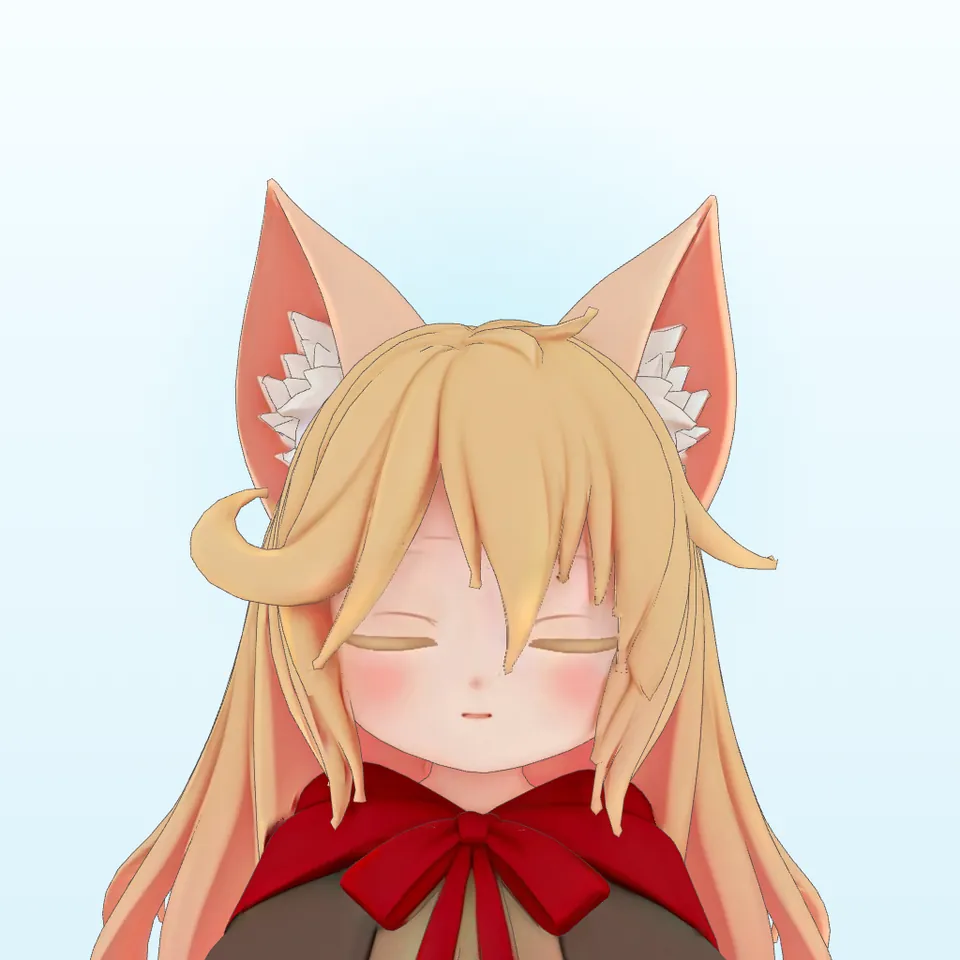
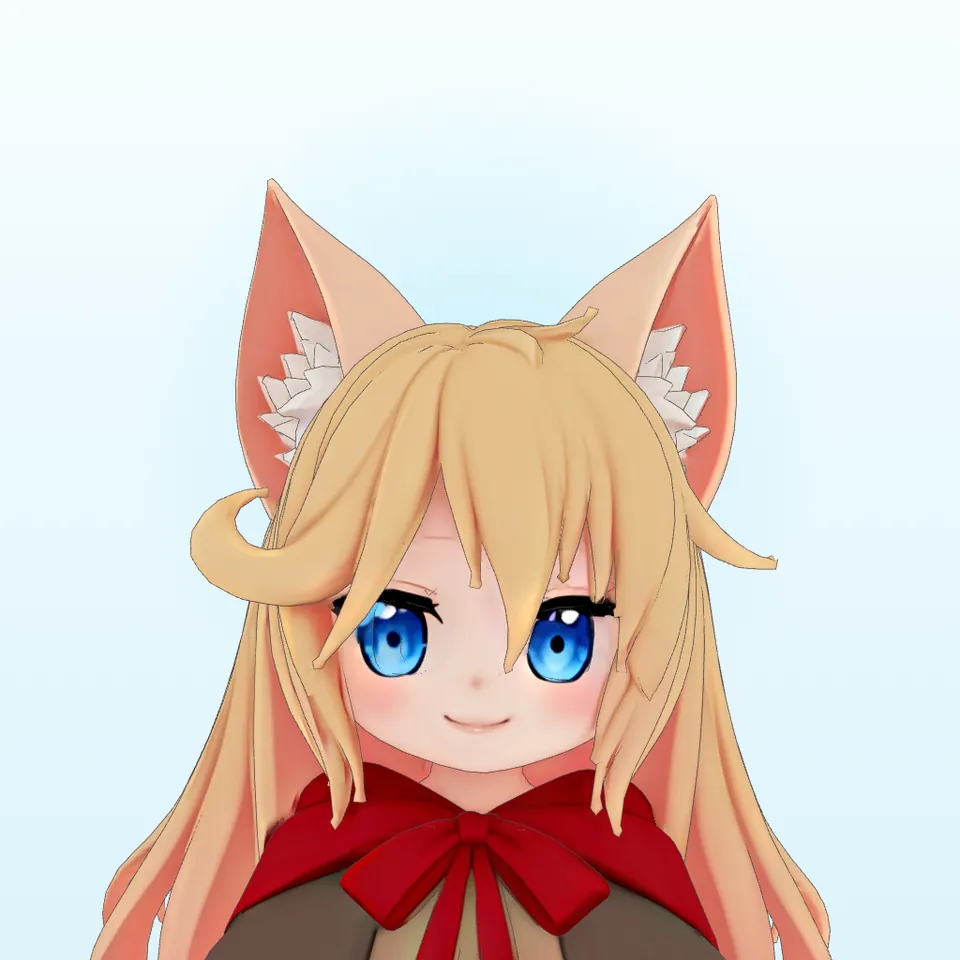
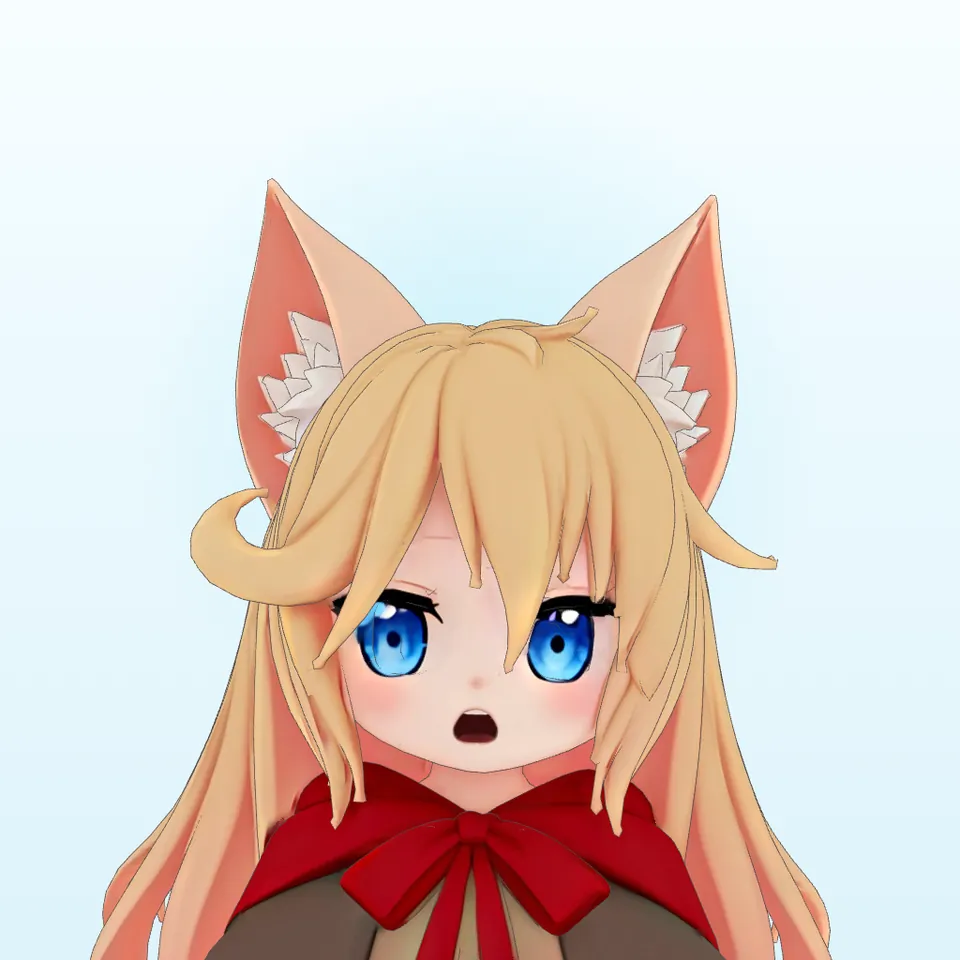
A little blink. A lot of personality.
Add blink, smile, and 5 vowel mouth shapes synced to your camera in Live Studio.


Simple steps, big possibilities
From one image to your first stream.
Your character. In your world.
- 01
Upload your character
Start with a single image. We’ll prepare it for 3D.
- 02
Generate & add expressions
Create your model, then add AI expressions using credits or your subscription allowance.
- 03
Go live in OBS
Add your avatar as a Browser Source and start streaming.
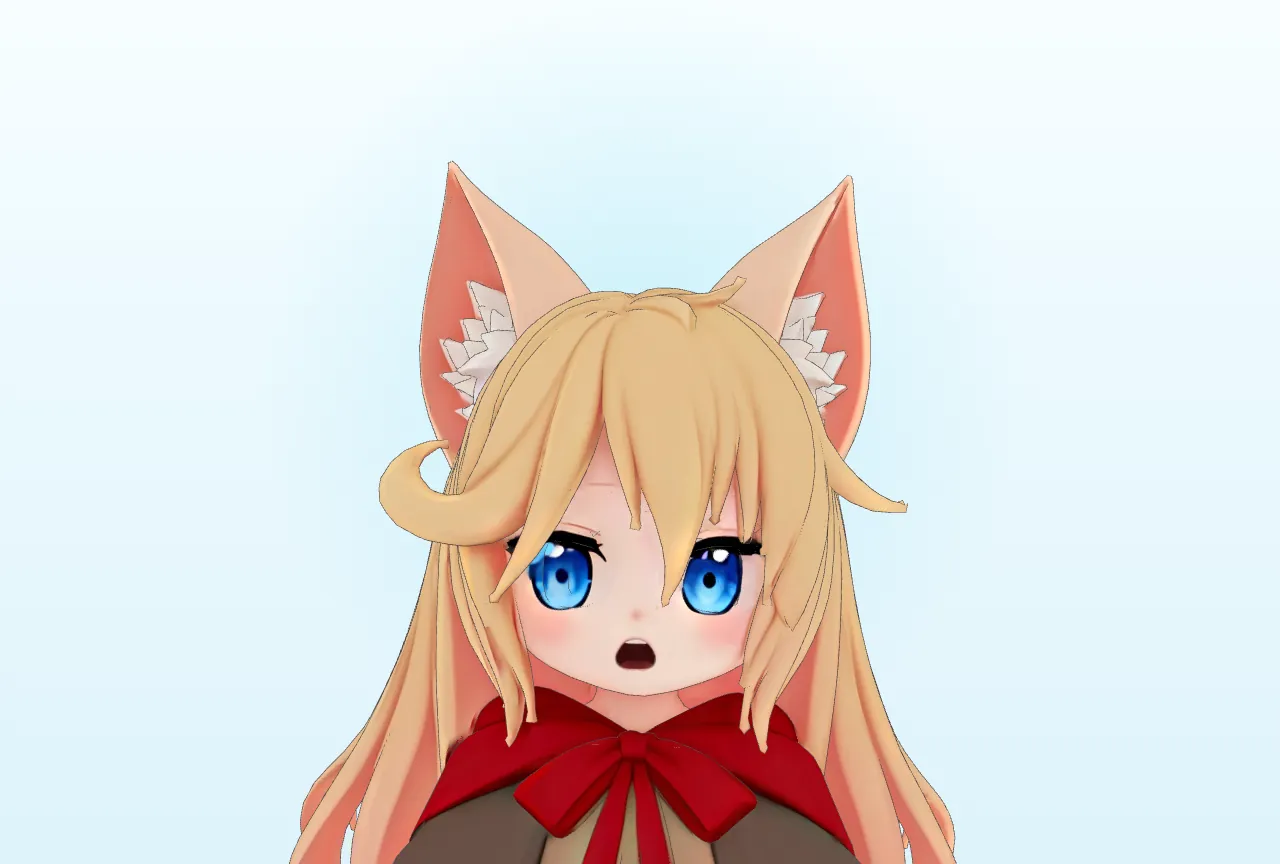 Welcome! 👋So cute!Great stream!Love your avatar!

 OBS Studio
Scenes
Stream
Just Chatting
Game
BRB
Sources

Your stream.Your character.
A seamless way to bring your character into your content, with tools built for creators.
Camera-driven expressions
Your face brings your character to life in real time.
A private OBS Browser Source
Works with your existing setup. No extra software required.
Questions?
Frequently asked questions
Still have questions?Contact
Can I use my own character image?
Yes. Upload a character image you own or have permission to use. A clear, front-facing image with the full body visible gives your 3D avatar the best starting point.
What powers Virmii’s 3D model generation?
Virmii is an all-in-one VTuber creation platform. Tripo, a third-party service, provides the base 3D model generation and automatic humanoid rigging. Virmii handles model processing, VRM export, AI expression features, browser face tracking, and OBS integration.
Will my avatar match my reference exactly?
AI generation may change your character’s face, clothing, proportions, and details. Each new generation uses credits, and more attempts do not guarantee a closer match. If your result differs significantly or is unusable, contact contact@virmii.com before generating again.
Do I need modeling experience?
No modeling experience is needed. Start with an image, generate your model, and follow the studio steps to add expressions and set up browser face tracking.
Where do AI expressions work?
AI expressions play in Virmii’s live studio and its OBS Browser Source. Generation costs 20 credits per set without a subscription. Creator and Pro use included monthly generations first, then 20 credits per set. Completed expressions remain usable after a subscription ends. They are not embedded in downloaded VRM files; other VRM apps need their own supported expression setup.
Your character. A brighter tomorrow.
Meet your next on-stream self.
Turn your idea into a living, breathing VTuber today.
Create your avatar